

Have you ever clicked on a link and landed on a page that says “404 Not Found”? It can be frustrating, especially when you’re looking for something important. But don’t worry — this is one of the most common website errors, and it’s usually easy to understand and fix.
In this guide, we’ll break down what the 404 error code means, why it happens, and how you can fix it (whether you’re a visitor or a website owner).
What Is a 404 Error Code?
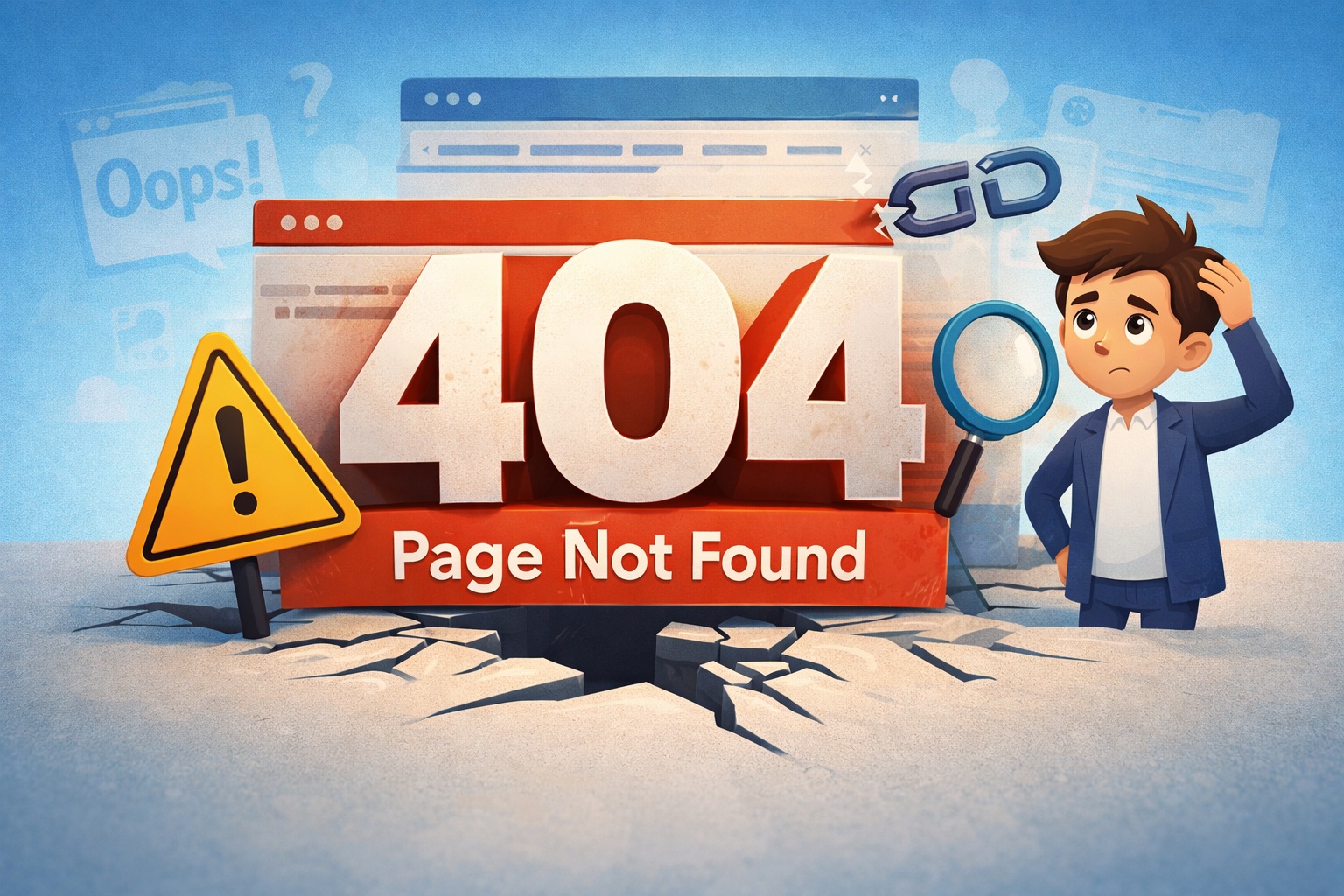
The 404 error code is an HTTP status code indicating that the server is working, but the requested page cannot be found.
In simple terms:
👉 The website exists
👉 But the specific page does not
You might see messages like:
- “404 Not Found”
- “Page Not Found”
- “The requested URL was not found on this server”
Why Does a 404 Error Happen?
There are several reasons why a 404 error code appears:
1. Page Was Deleted
The page may have been removed by the website owner, but it still appears in search results or via old links.
2. URL Was Changed
If the page URL was updated but not redirected, users will land on a 404 page.
3. Typo in the URL
Even a small mistake in spelling can lead to a 404 error.
4. Broken Links
Sometimes internal or external links point to pages that no longer exist.
5. Server or DNS Issues
In rare cases, server misconfigurations can also trigger a 404 error.
How to Fix a 404 Error (For Users)
If you’re just browsing and see a 404 error code, try these quick fixes:
-
Check the URL
Make sure there are no spelling mistakes.
-
Refresh the Page
Sometimes the issue is temporary.
-
Go Back or Search Again
Use the website’s search bar or go to the homepage.
- Clear Browser Cache
Old cached data can sometimes cause loading issues.
How to Fix a 404 Error (For Website Owners)
If you own a website, fixing 404 errors is important for both user experience and SEO.
1. Set Up 301 Redirects
If a page has been moved, redirect the old URL to the new one.
This helps retain traffic and SEO value.
2. Fix Broken Links
Audit your website and update or remove links that lead to missing pages.
3. Restore Deleted Pages
If the page is important, consider restoring it.
4. Create a Custom 404 Page
A friendly 404 page can guide users back to your site.
Example ideas:
- Add a search bar
- Include popular links
- Use engaging design or humour
5. Check Your CMS Settings
If you’re using WordPress or another CMS, ensure permalinks are correctly configured.
6. Monitor Errors Regularly
Use tools like:
- Google Search Console
- Website audit tools
This helps you quickly identify and fix issues.
Impact of 404 Errors on SEO
The 404 error code can affect your SEO if not handled properly:
❌ Negative Effects:
- Poor user experience
- Increased bounce rate
- Loss of link equity
✅ When It’s Okay:
Not all 404 errors are bad. If a page is intentionally removed and not needed, a 404 is acceptable.
Best Practices to Avoid 404 Errors
- Always use proper redirects when changing URLs
- Regularly check for broken links
- Keep your sitemap updated
- Use internal linking wisely
- Avoid deleting important pages without planning
Conclusion
The 404 error code simply means a page cannot be found — but it doesn’t have to be a big problem. With the right approach, you can fix it quickly and even improve your website’s performance.
For users, it’s usually a minor issue.
For website owners, it’s an opportunity to improve SEO and user experience.
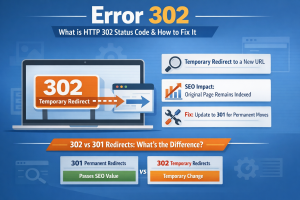
Read More:- What It Is, Causes, and How to Fix HTTP 302 Status Code
FAQs
1. Is a 404 error harmful?
Not always. Occasional 404 errors are normal, but too many can affect SEO.
2. What is the difference between 404 and 410?
A 404 means “not found,” while 410 means the page is permanently gone.
3. Can 404 errors be fixed permanently?
Yes, by using redirects or restoring the page.
4. How do I find 404 errors on my website?
Use tools like Google Search Console or SEO audit tools.