

If you manage a website or work in digital marketing, you may encounter Error 302 while analysing redirects or website performance. Understanding what this status code means is important for maintaining proper website functionality and protecting your SEO rankings.
In this guide, we’ll explain what Error 302 is, why it happens, how it affects SEO, and how to fix it properly.
What is Error 302?
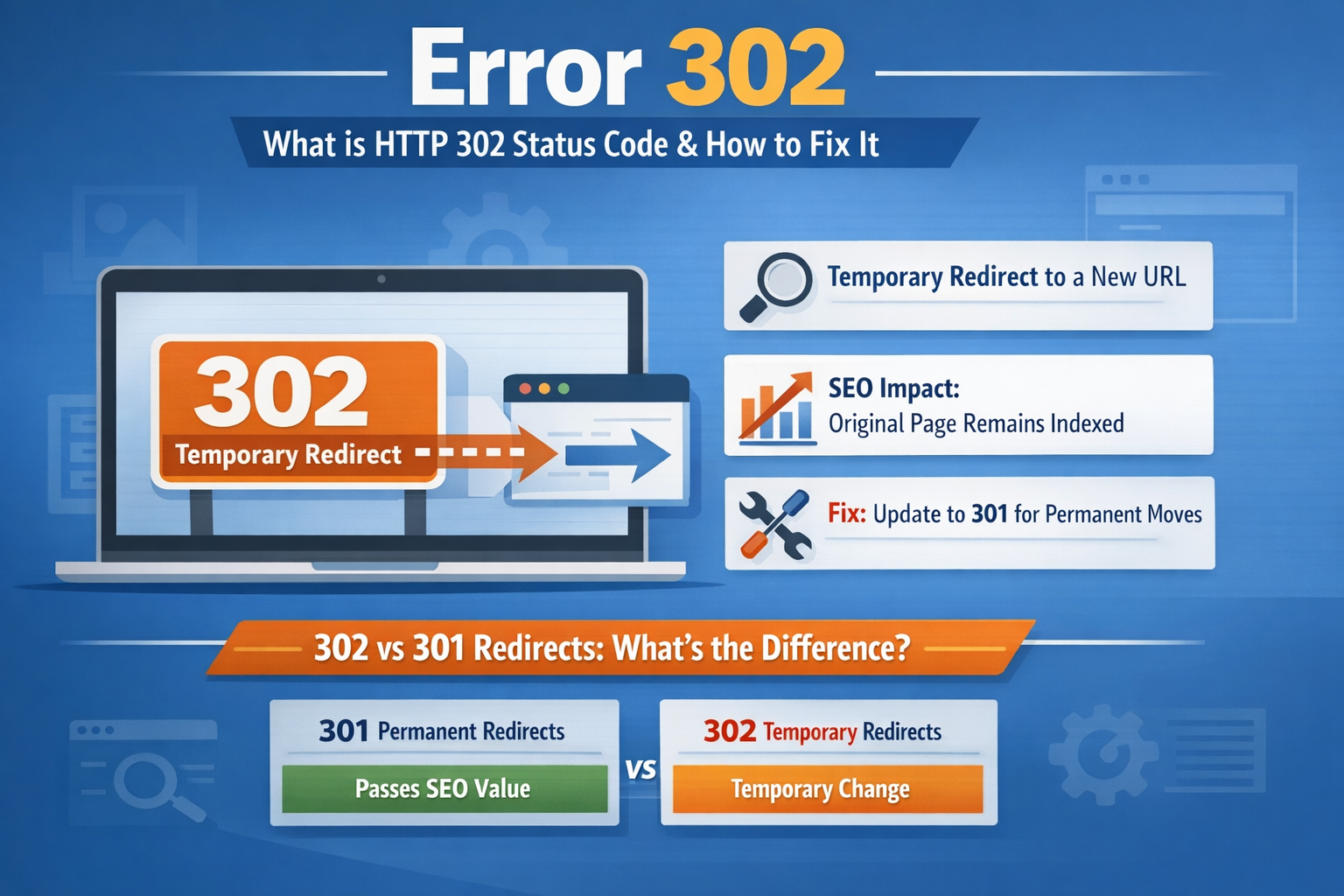
Error 302, also known as HTTP 302 Found, is a server response status code that indicates a temporary redirect from one URL to another. When a browser requests a page, the server responds with a 302 code to inform the browser that the requested page has been temporarily moved to a different location.
After receiving the response, the browser automatically redirects the user to the new URL without any manual action. This process usually happens instantly, so visitors may not notice it.
HTTP status codes in the 3xx range represent redirection messages, meaning the requested resource is available at another location.
Difference Between 301 and 302 Redirect
Many website owners confuse 301 and 302 redirects, but they serve different purposes.
| Redirect Type | Meaning | SEO Impact |
|---|---|---|
| 301 Redirect | Permanent redirect | Passes most link authority to the new URL |
| 302 Redirect | Temporary redirect | The original URL usually remains indexed |
A 302 redirect tells search engines that the change is temporary and that the original page may return in the future. Because of this, search engines usually continue indexing the original URL instead of replacing it with the redirected page.
Common Causes of Error 302
Several factors can trigger an Error 302 on your website. Some of the most common causes include:
1. Temporary Website Changes
Website owners often use 302 redirects during site maintenance, redesigns, or testing, when the original page will return later.
2. A/B Testing
Marketers frequently redirect users temporarily to test different landing pages or offers.
3. Geo-targeting or Language Redirects
Some websites automatically redirect visitors to region-specific pages based on their location.
4. Misconfigured Redirects
Improper server configuration or mistakes in .htaccess, Nginx, or CMS settings can create unintended 302 redirects.
5. Redirect Chains
Multiple redirects in sequence can create performance issues and confuse search engines.
How Error 302 Affects SEO
Using Error 302 redirects correctly can help maintain SEO performance during temporary changes. However, incorrect usage can harm your website rankings.
Here are some SEO impacts:
Search Engines Keep the Original URL Indexed
Since the redirect is temporary, search engines typically continue indexing the original page.
Link Equity May Not Transfer
Unlike a 301 redirect, a 302 redirect usually does not pass full link authority to the new page, which can affect rankings if used incorrectly.
Incorrect Use Can Confuse Search Engines
If a page has been permanently moved but a 302 redirect is used instead of a 301, search engines may continue ranking the old page, causing SEO issues.
How to Fix Error 302
If you notice unexpected 302 redirects on your website, follow these steps:
1. Check Redirect Settings
Review your website’s redirect rules in your server configuration, CMS, or plugins.
2. Replace with 301 for Permanent Moves
If the page has permanently moved, update the redirect to 301 instead of 302.
3. Remove Redirect Chains
Avoid multiple redirects and link directly to the final destination URL.
4. Use SEO Tools
Tools like Google Search Console, Screaming Frog, or site audit tools can help identify incorrect redirects.
5. Test Your URLs
Use HTTP status code checker tools to confirm the redirect type and ensure the correct implementation.
Best Practices for Using 302 Redirects
To maintain SEO health, follow these best practices:
-
Use 302 redirects only for temporary changes
-
Avoid long-term 302 redirects
-
Monitor redirects regularly
-
Replace temporary redirects with 301 once the change becomes permanent
Final Thoughts
Error 302 is a common HTTP status code used for temporary redirections. When implemented correctly, it helps websites manage short-term changes without affecting search rankings. However, misusing 302 redirects can lead to indexing problems and lost SEO value.
For optimal website performance and SEO results, ensure that redirects are configured properly and regularly monitored.
FAQ Questions
1. What is Error 302?
Error 302 is an HTTP status code that indicates a temporary redirect from one URL to another. It tells browsers and search engines that the page has temporarily moved to a different location.
2. Is Error 302 bad for SEO?
Error 302 is not harmful if used correctly for temporary redirects. However, if used instead of a permanent redirect (301), it can cause SEO issues because search engines may continue indexing the old URL.
3. What is the difference between 301 and 302 redirects?
A 301 redirect indicates a permanent move and transfers SEO value to the new page, while a 302 redirect indicates a temporary move and usually keeps the original page indexed.
4. How do I fix Error 302 on my website?
You can fix Error 302 by reviewing server redirects, updating incorrect redirect rules, replacing temporary redirects with 301 redirects when necessary, and checking CMS or plugin settings.
5. When should I use a 302 redirect?
A 302 redirect should be used when a page is temporarily unavailable, during maintenance, testing, or short-term marketing campaigns.
6. Can too many 302 redirects affect website performance?
Yes. Multiple or unnecessary redirects can slow down page loading and create crawling issues for search engines.